 Klatsch
Sticker workshop for the web and Android
Your pictures. Your jokes. Your stickers.
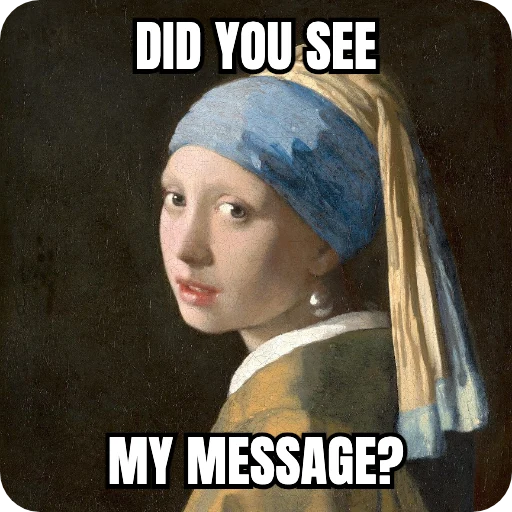
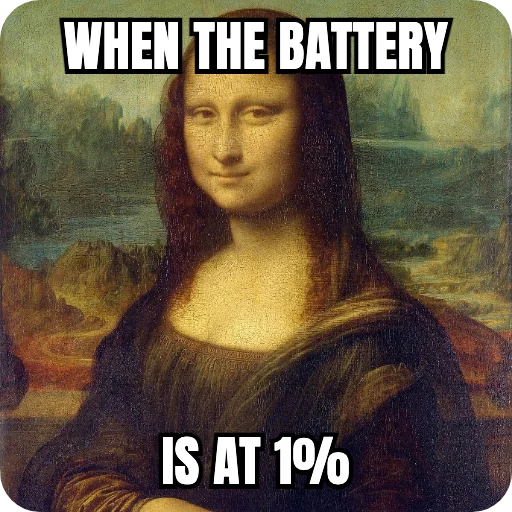
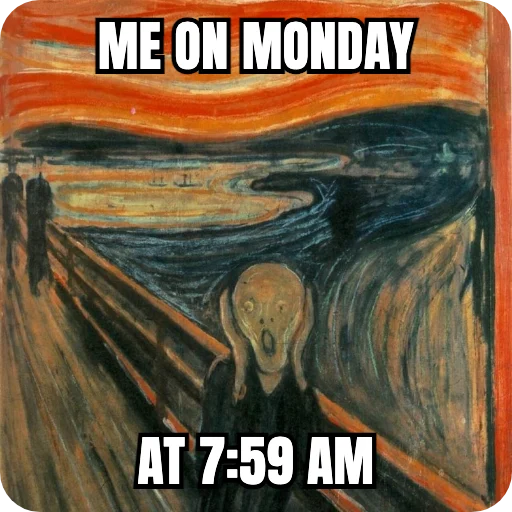
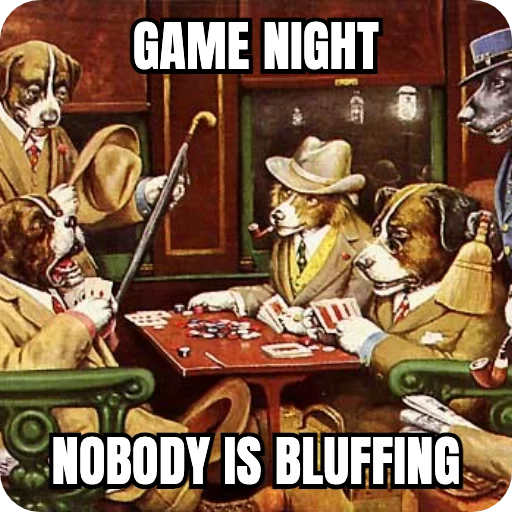
Klatsch turns photos, GIFs and meme templates into stickers. Add text, sort them into collections and take them to your chats on your Android phone.
Free. Sign in with your Google account.
Template: American Gothic
 us whenthe wifi is down
- How was the weekend?
- Short version:
Everything a sticker needs
Edit
Text in eight sticker fonts, emojis and images in layers. Move, rotate, flip, undo.
Animate
GIFs become animated stickers. Videos and cutting out the subject work in the Android app.
Memes
Pick a meme template from the catalog, write your lines on it, done.
Collections
Sort your stickers into collections. Klatsch builds the sticker packs from them by itself.
Sync
Create on the big screen, use on the phone. Your library stays the same on the web and on Android.
Private
No ads and no tracking. Export your data or delete your account yourself, any time.
Accessories
Glasses, hats, beards and more, in photo and comic style. Face detection on your device puts them in place. With Premium.
Filters
More than 40 looks from vintage to neon for photos, GIFs and videos, with adjustable strength. With Premium.
A look inside
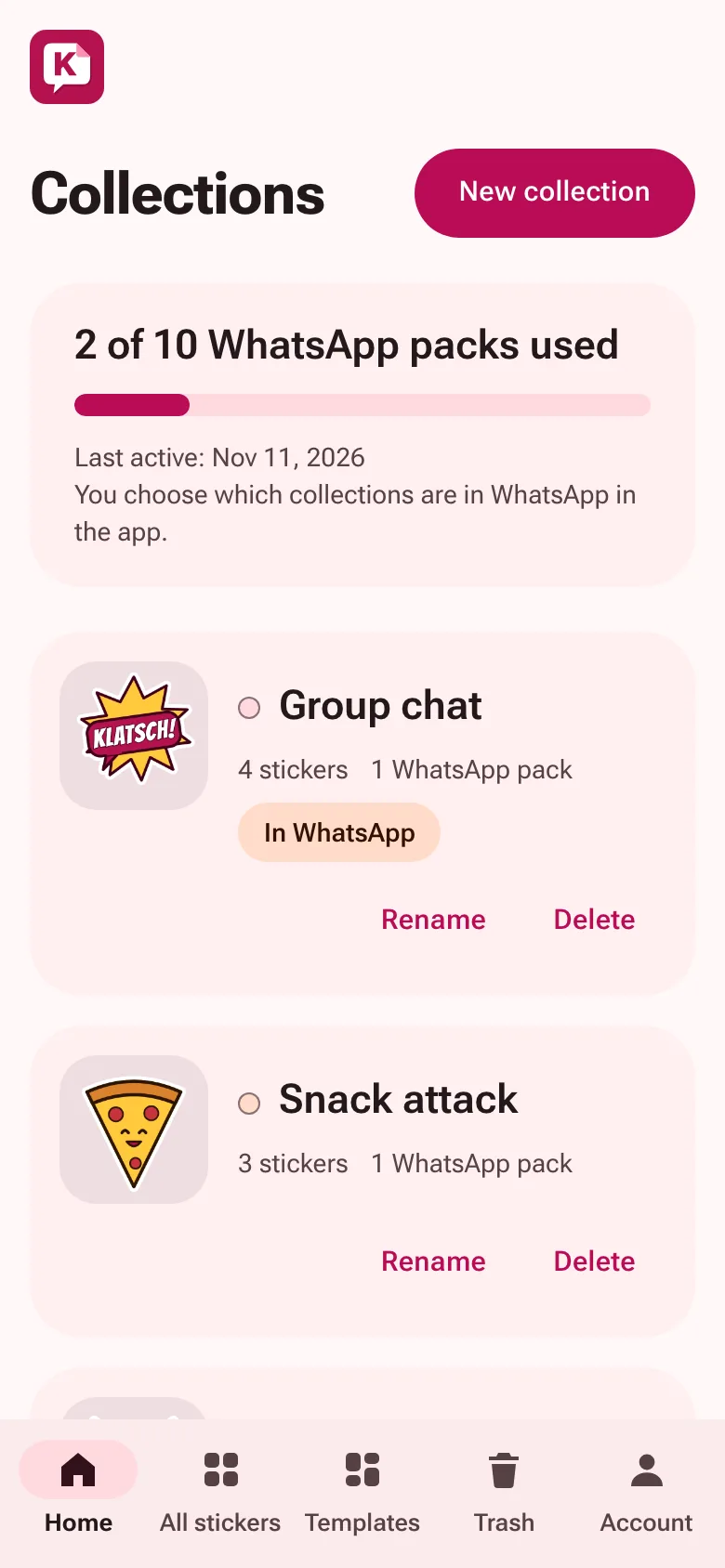
Your collections, and how many of the ten WhatsApp packs are in use. 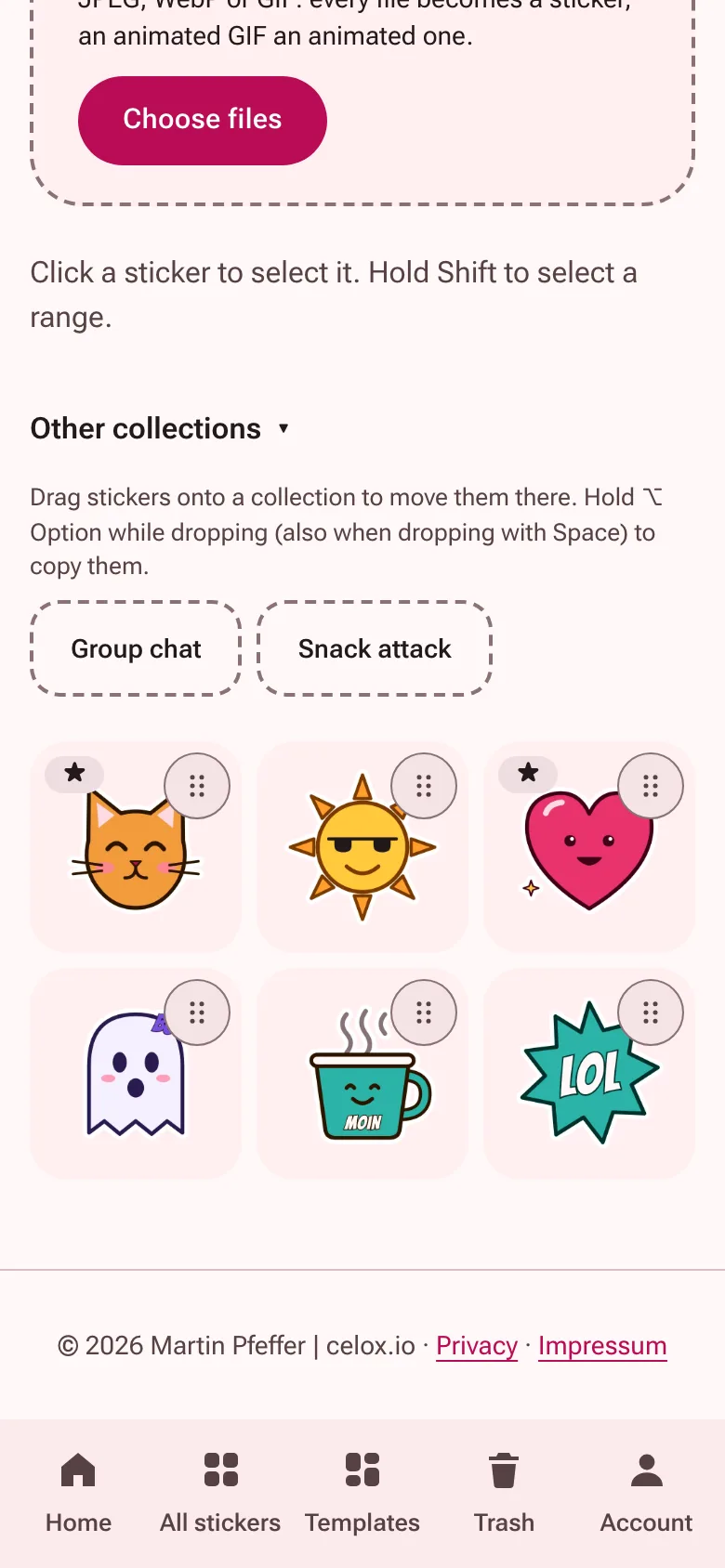
A collection with its stickers. Drag and drop to sort. 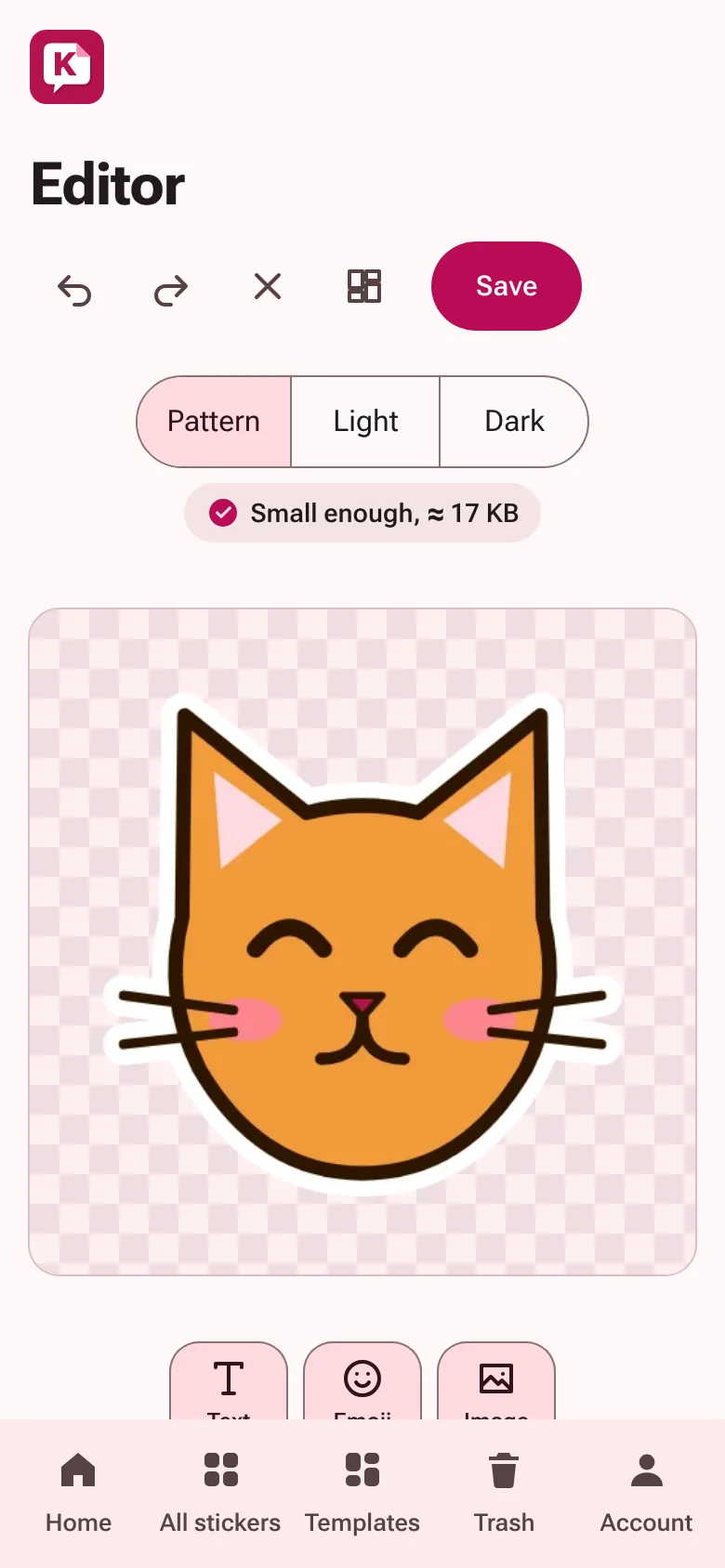
The editor with a preview on pattern, light or dark.
Try it without an account
Make a sticker right here: text, emoji, meme template, background and round corners. Download it as a WebP file. Nothing is saved and you do not need to sign in.
To keep your stickers and add them to WhatsApp, sign in or get the Android app.
How it works
Sign in
Open the web app and sign in with Google. That creates your account.
Make stickers
Import images and GIFs or start from a meme template, then edit them.
Add to WhatsApp
In the Android app you choose up to ten collections and add them as packs to WhatsApp.
Android app
Download Klatsch for Android here as an APK file. The app tells you about new versions itself and offers to install them; nothing installs without your tap.
- Version
- 0.2.36
- Size
- 36.6 MB
- Published
- 18 November 2026
- Requires
- Android 9 or newer
How to install
- Open this page on your Android phone and tap "Download APK".
- Open the downloaded file. Android asks once whether your browser may install unknown apps: allow it for this file.
- Tap "Install". Later updates come from the app itself, signed with the same key.
Check the file (optional)
- SHA-256 of the APK
42f1154044397894d70b43d071b46220a775570040d19ee24c7d6b2e2bbfe83d- SHA-256 of the signing certificate
77:FF:F3:33:CC:1B:FA:D9:C3:B3:42:A4:56:48:DE:5F:6B:45:3D:90:40:D6:FA:E6:92:09:17:B7:F9:F9:F6:36
How your stickers get to WhatsApp
In the Android app, every collection can become a sticker pack. Tap "Add to WhatsApp" in a collection, then it takes four steps.
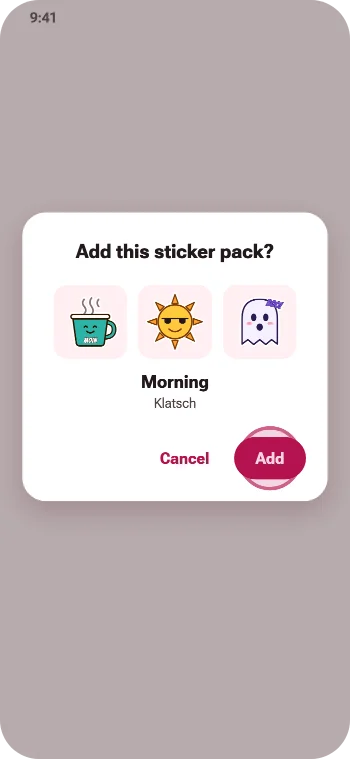
Confirm the pack
WhatsApp asks once whether to add the pack. Confirm it.
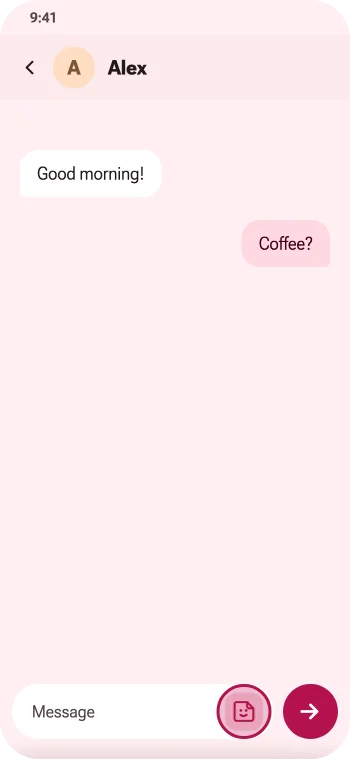
Open your stickers
In any chat, tap the sticker symbol next to the text field.
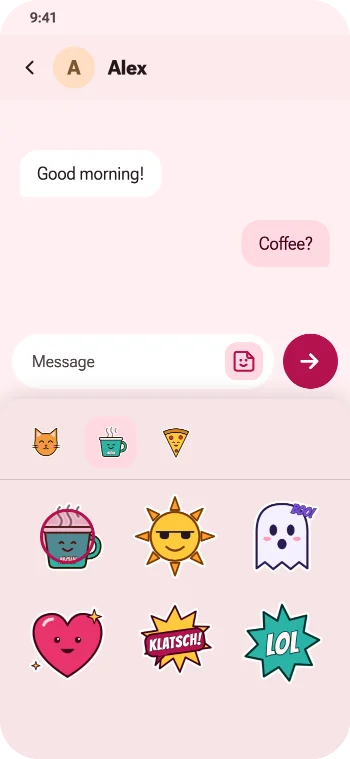
Pick your pack
Your pack has its own tab. Tap the sticker you want to send.
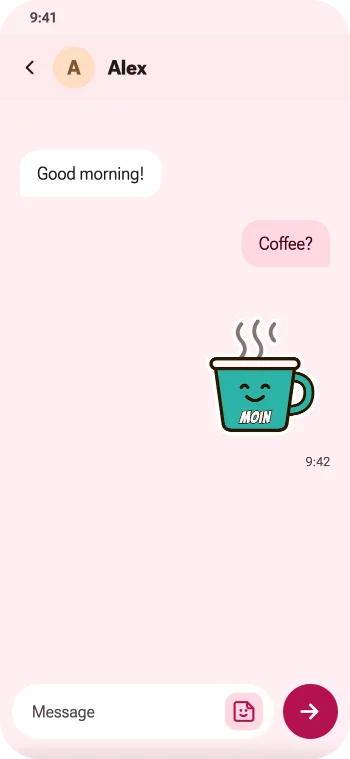
Sent
The sticker lands in the chat like any other.
The WhatsApp steps are drawings in Klatsch colours, not screenshots of WhatsApp.
The whole way in 45 seconds
From photo to sticker in the app, into a chat, and the same in the browser. No sound, subtitles included.
Your data stays yours
- The server is in Frankfurt am Main, Germany.
- No ads, no analytics, no tracking.
- Data export and account deletion are buttons, not emails.